 Clipsa
Pick a template
The feed shows the whole reel before you start: its scenes, their lengths and captions.
iPhone · iOS 17 and later · version 1.0.0
Pick a template and Clipsa finds the right shots in your own gallery, then cuts a vertical video. Everything runs on your iPhone — nothing is uploaded.
Version 1.0 is free: no subscription, no in-app purchases, no ads.
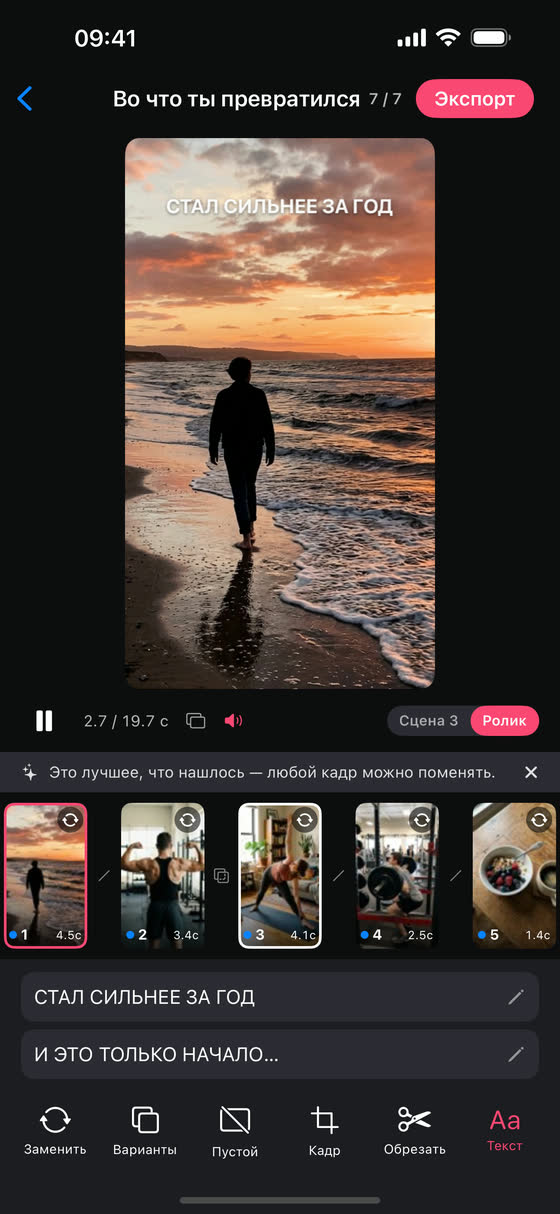
Nothing is generated or made up: the app picks and cuts the footage you have already shot.
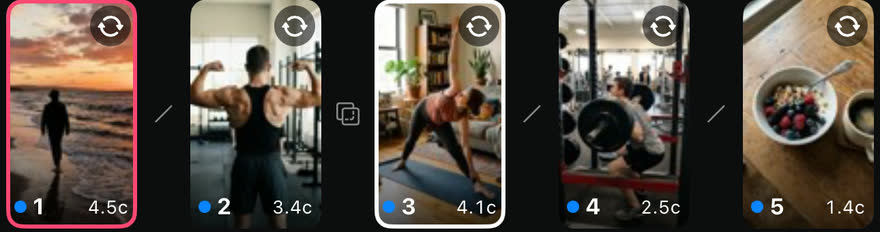
Scene strip
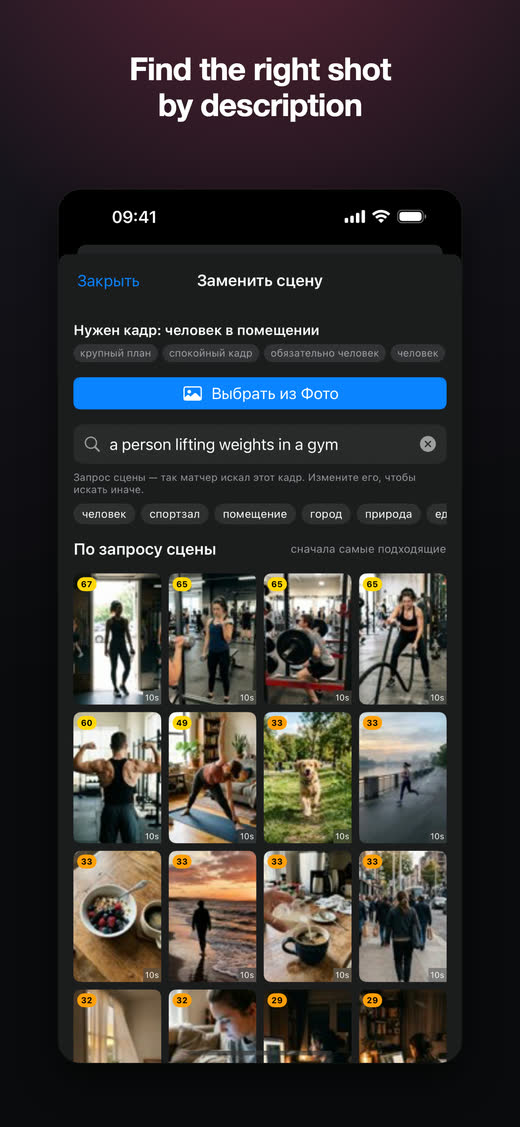
Every scene of a template is one shot from your own library. Any of them can be swapped.
How it works
The feed shows the whole reel before you start: its scenes, their lengths and captions.
The app goes through your videos right on the iPhone and picks a shot for every scene: what is in the frame, how wide the shot is, and where the right moment sits inside the clip.
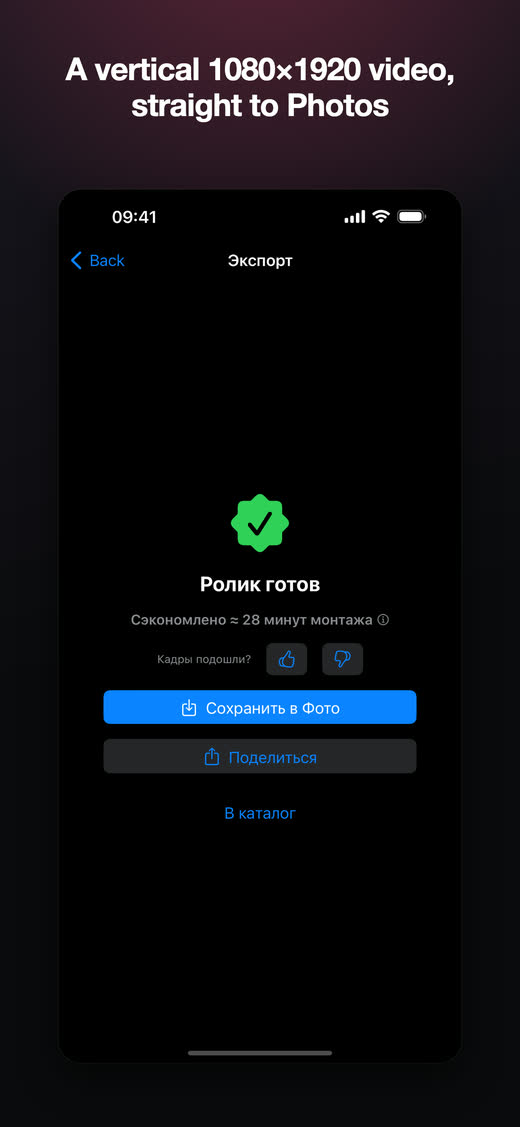
A vertical 1080×1920 video at 30 fps, with the sound and captions of the template. Or send it anywhere through the share sheet.
Screens
Edits
The automatic match is a first cut, not a verdict.
In any scene — by hand or by searching in plain words: “person in a gym”, “coffee”, “sea”.
The whole source is laid out frame by frame — drag the window to where the action is.
Put the template’s text in your own words — the font and the position stay put.
Or fall back to the template’s own footage when nothing of yours fits.
Privacy
Analysis, matching and rendering all happen on your iPhone. Your videos, frames, analysis results and Photos identifiers are never sent to a server — there is no server. No account, no sign-up.
Straight talk
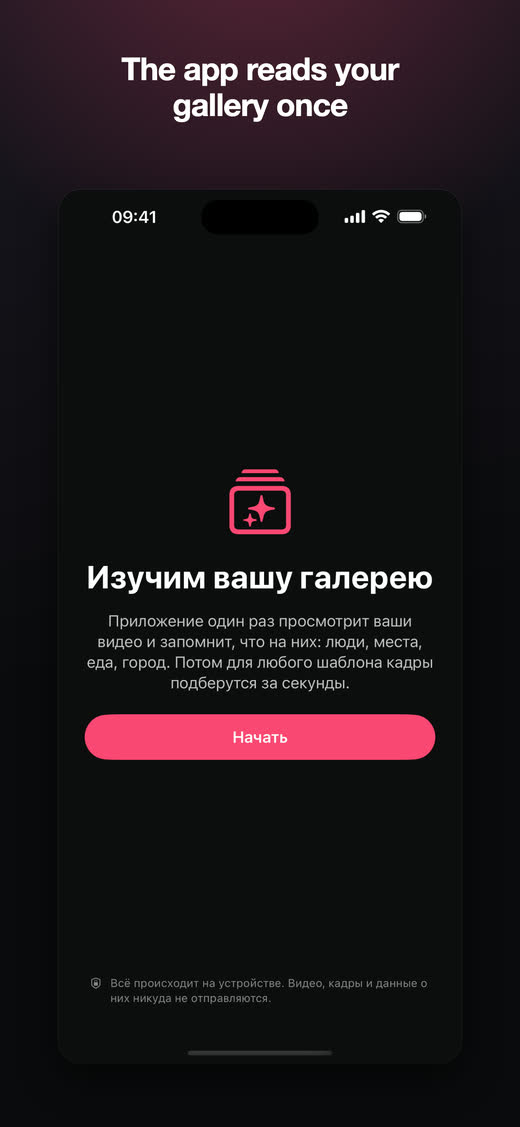
The app reads a few hundred of your most recent videos once — about a minute and a half. It keeps working through the rest in the background and pauses when the phone gets warm.
Cloud videos take part in matching through their previews. For export the original is downloaded on a tap, with the remaining size shown.
Without it there is nothing to build a reel from. Limited (“Selected Photos”) access works too — the app then uses only the videos you marked.
Version 1.0 ships with a Russian interface; an English version is on the way. The support page walks through every screen in English.
Pricing
Version 1.0 comes with no subscription, no in-app purchases and no ads. Paid plans, if they arrive, will come in a later update.
Questions? The support page →